Hackers don't break in anymore. They log in.
I've worked in IT since 1993, and for years the picture of a hacker was someone picking a lock. They found a crack in a server, slipped in at night, and you hoped your backups worked. That still happens, but what we see across the South and the Midwest now looks much quieter. Somebody logs in as one of your staff, and everything they do looks normal.
The short answer: Hackers often skip the break-in by stealing active login passes that bypass normal sign-in prompts. At the same time, AI helps attackers find and exploit unpatched software much faster. Mid-sized companies can cut both risks by limiting trusted sign-ins, switching to passkeys or hardware keys, and keeping regular update windows.
CrowdStrike CEO George Kurtz put it plainly on the All-In podcast this week: "It's easier to log in than to actually break in." I agree, and the lock-picking side sped up too. Most businesses we help now face both problems at once.
Can hackers get around MFA?
Most owners feel safe once multi-factor authentication (MFA), the phone tap or code after your password, is turned on. MFA still blocks basic password guesses, so keep it on. Still, attackers have built tools around the way most teams use it.
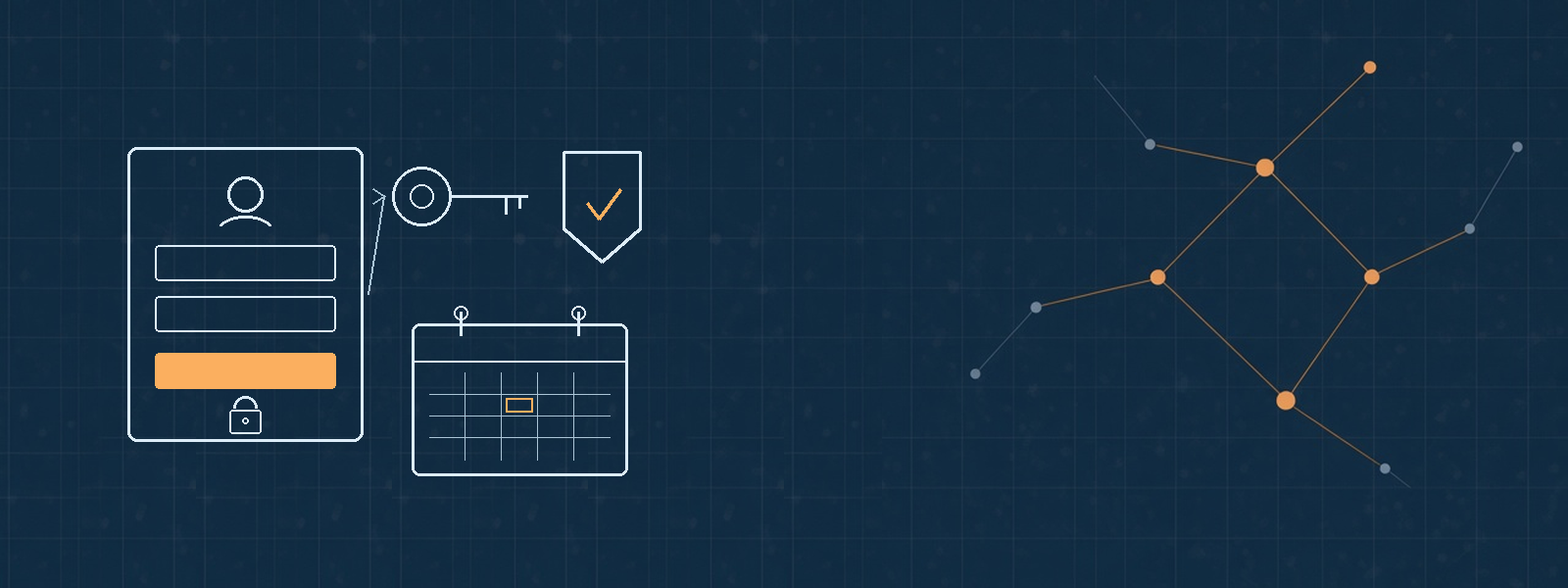
When you sign in and check "trust this device," your browser saves a digital pass so you stay logged in. Phishing kits use fake prompts or short sign-in codes to steal active login passes. Once an attacker has that pass, they don't need your password or your phone tap.
Microsoft tracked an AI-powered phishing kit called EvilTokens that targeted those login passes (Microsoft Security, September 2026). It broke into more than 12,000 inboxes across over 10,000 organizations, including firms in construction and wholesale distribution.
Once inside, attackers set hidden inbox rules to hide replies and search for wire or invoice threads. Then they send fake payment changes from a real company mailbox. The FBI logged 24,768 complaints for this kind of email scam, known as business email compromise, in 2025 (FBI IC3 2025 Report). Changing a password won't stop them unless your IT team also closes every active login session.
How fast should you patch software flaws?
While logins stay exposed, the second front door is unpatched software. In Verizon's 2026 Data Breach Investigations Report, software flaws started 31% of breaches, while stolen credentials appeared in 28% (Verizon DBIR 2026). Software flaws nudged into first place, yet stolen logins still show up at almost the same rate. Both doors stay wide open.
What worries me more is how long fixes take. The federal cybersecurity agency, CISA, keeps a public catalog of software flaws hackers are actively exploiting. Verizon found the median time to fix those critical flaws grew from 32 days to 43 days (Verizon 2026 DBIR full report). Meanwhile, Verizon notes AI is "shrinking the window for defense from months to mere hours."
Kurtz called this bind "break or breach" on the show. You rush an update and risk knocking a live system down, or you wait and risk an attack.
Why do companies keep putting off updates?
I've heard the same pushback for decades. IT asks for a few hours on a Sunday to update a server cleanly. Leadership says no because a plant runs weekends or job-costing reports are due Monday.
So the update waits, and the next one waits too. Years later, you're stuck with a system nobody dares reboot and software the maker no longer fixes. Kurtz said our industry is "paying the bill for all the tech debt" from recent decades. That matches what I've watched since 1993.
Where should AI help with security?
No small IT team can watch every login and every new flaw by hand. That's what AI is really good for in security. Let software watch sign-ins around the clock, flag odd locations, and prepare updates so your staff aren't fighting fires at midnight.
That gives your team room for human judgment. People still decide which aging system gets replaced first and when to schedule downtime. Pairing managed security with steady managed IT handles that daily load. An IT maturity assessment is a calm way to find weak links before someone exploits them.
What should you do this week?
If I was advising a mid-sized business today, I'd start with five steps:
- 👉 Shorten how long sign-ins stay trusted so stolen browser passes expire fast
- 👉 Use hardware keys or phone passkeys that fake login pages can't copy
- 👉 End active sign-in sessions, not just passwords, after any phishing scare
- 👉 Require a live callback on a known number before any wire or bank change
- 👉 Put real update windows on the calendar and plan replacements for aging software
Tools move faster every month, which makes clear rules worth even more. If someone logged in as you tomorrow morning, how fast would your team spot it?
Frequently asked questions
Does MFA still stop hackers on its own?
Standard MFA still blocks basic password guesses, so you should never turn it off. However, attackers can bypass text codes and phone taps by stealing the active login pass from a phished browser.
What should you do if an employee clicks a phishing link?
Reset the person's password right away, then sign them out of every active session and check for hidden inbox rules. Look for any new devices added to the account before letting them back in.
How often should a mid-sized business install software updates?
Set a regular monthly update window for routine fixes, and treat flaws that hackers are already using as same-week emergencies. Waiting over a month gives automated attack tools far too much time.